Back
Parent–Teacher Communication App: 12 Things to Check
5 min read
Choosing a parent–teacher communication app? 12 checks on one-to-one replies, quiet hours, language and access, plus a 30-day plan to leave WhatsApp groups.
By Bhagya · Last updated: 29 October 2026
Short answer: A good parent–teacher communication app does four things a class WhatsApp group can't. It keeps one-to-one conversations between a parent and a teacher private, separate from school-wide notices. It protects teachers' personal time and personal phone numbers. It reaches every family, in their language, on whatever phone they have. And it gives the school, not individual staff phones, control of the conversation. Check those four areas before you compare features or prices.
Term-two parent–teacher meetings, holiday notices and fee reminders all land in the same few weeks. In many schools they land in the same place: a class WhatsApp group with 40 to 200 members, where a holiday circular sits between a birthday photo, five "noted, ma'am" replies and a parent asking the class teacher about their child's marks in front of everyone.
Most leaders know the group isn't working. The harder question is what to move to. Search results for "parent teacher communication app" are mostly vendor lists, which tell you what each product has, not what your school needs. This guide is a neutral checklist: 12 things to check in any tool, a comparison by type of tool rather than brand, and a 30-day plan for moving off WhatsApp groups without losing parents on the way.
Key takeaways
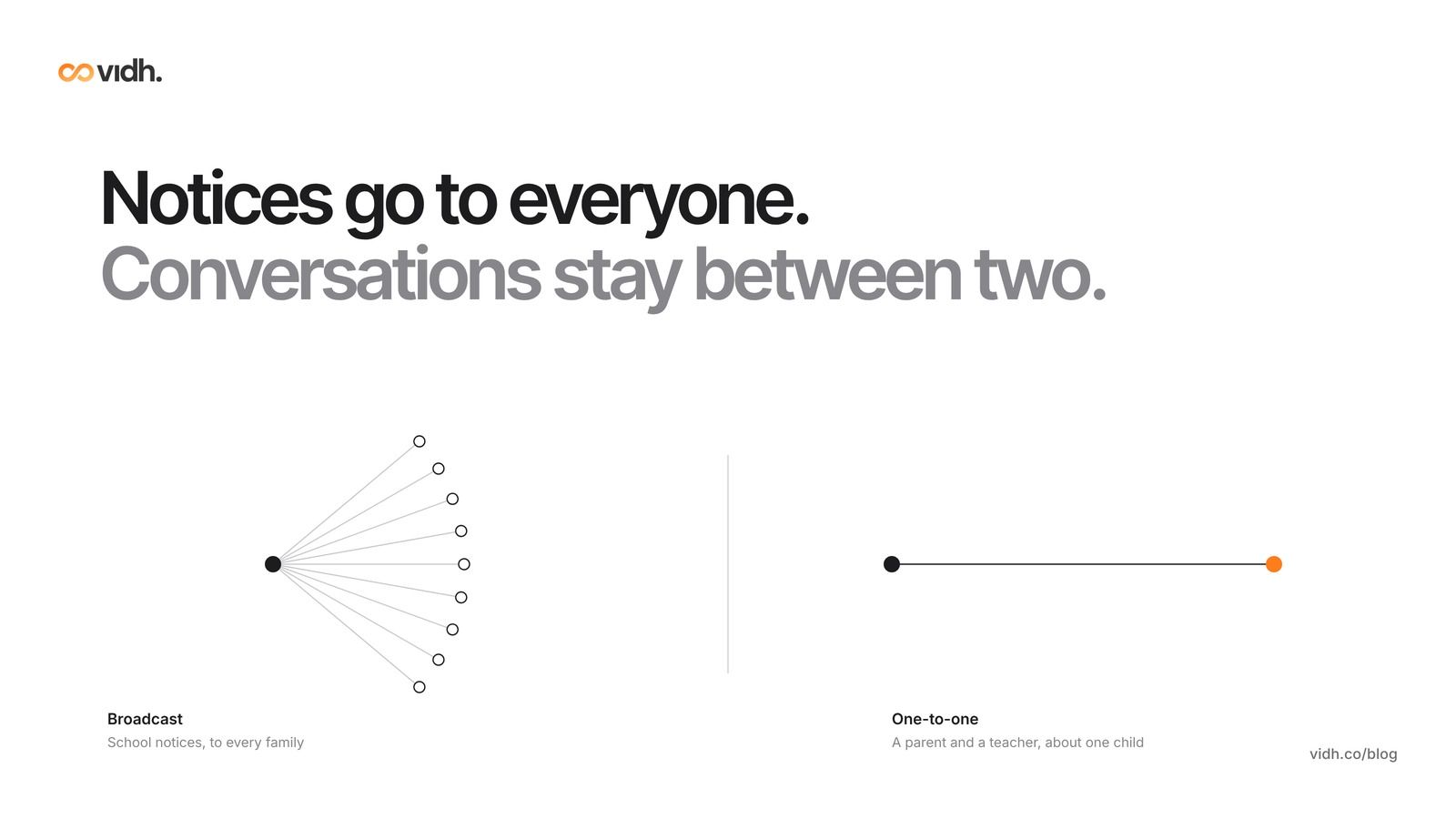
- Separate one-to-one from broadcast. Notices go to everyone; conversations about one child stay between the family and the teacher.
- Protect teachers' time. Quiet hours and a stated reply time are a policy decision first and a feature second.
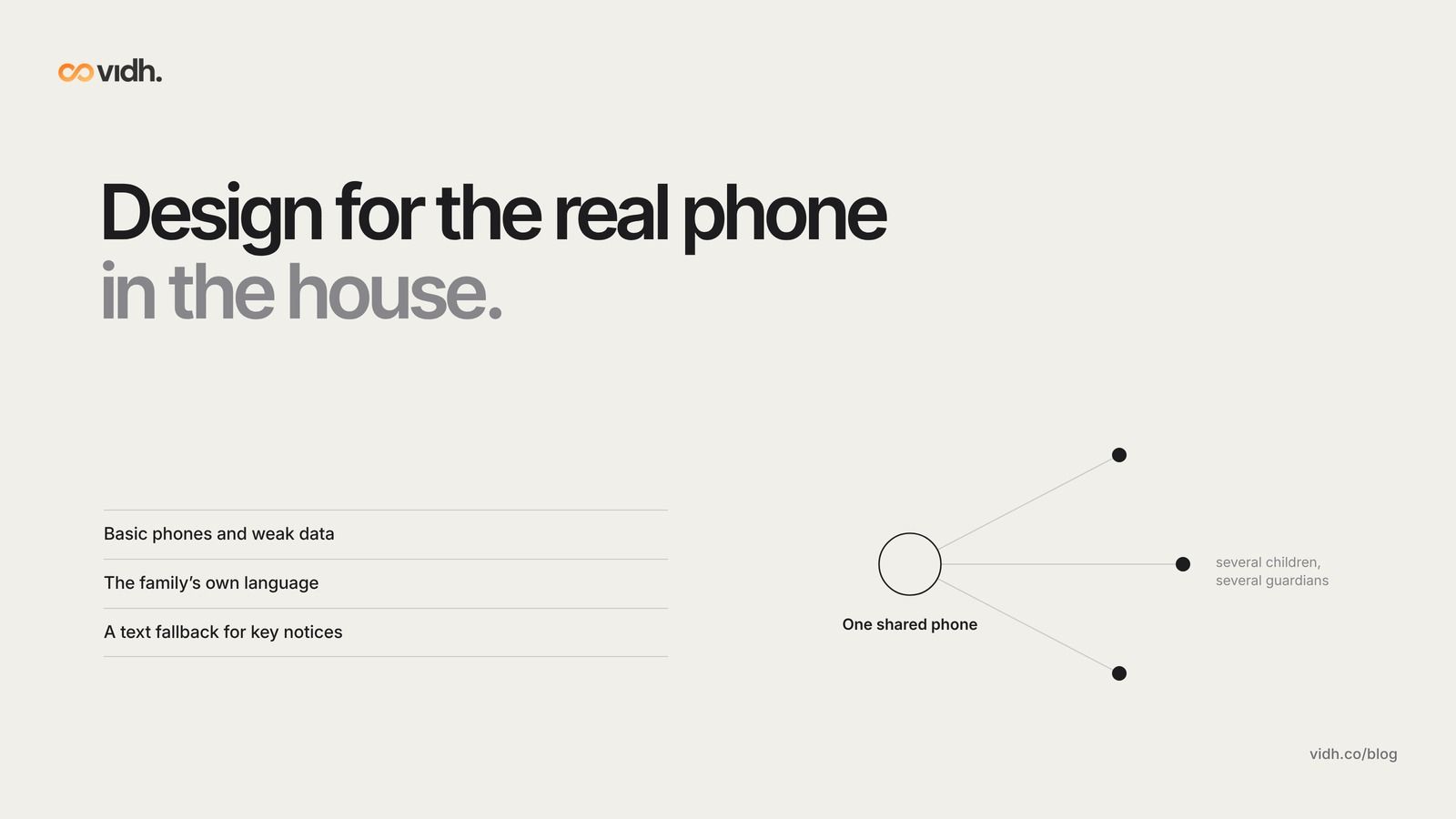
- Design for the real phone in the house. Many families share one smartphone, use limited data or prefer a regional language.
- The school should own the channel. Staff numbers stay private, and the school can see and keep the history when staff move on.
- Move in 30 days, not one weekend. Run old and new side by side for two weeks, then close the groups with notice.
What should a parent–teacher app do that a WhatsApp group can't?
Group chat was built for friends and family. A school uses it for something else: official notices, private concerns about one child, and a record the school may need later. That mismatch causes most of the problems principals hear about.
- Everyone sees everything. A question about one child's behaviour or fees is visible to every parent in the group.
- Important notices get buried. A circular about a changed exam date can scroll out of view in minutes.
- Teachers' personal numbers are exposed. Once a number is in the group, parents can message or call it at any hour.
- Nobody knows who has read what. The office cannot tell which families missed a notice and need a call.
- The school doesn't control it. If the admin is a teacher who leaves, the group, and its history, leave with them.
The research points the same way. The Education Endowment Foundation's guidance for schools finds that messages to parents are "likely to be more effective if they are personalised, linked to learning, and promote positive interactions", and that communication "should be two-way" (EEF). In a US field experiment, weekly one-sentence individual messages from teachers to parents cut the share of students who failed to earn course credit from 15.8% to 9.3% (Kraft and Rogers, Economics of Education Review, 2015). Personal, two-way messages are exactly what a 200-member group makes hard.
Parents feel the friction too. As one parent told the BBC after leaving all of her children's school WhatsApp groups, when 30 to 60 parents weigh in, the chat "is obviously going to be polarised"; in her experience it caused "unnecessary anxiety" and became "a chain of opinions" that didn't help the school either (BBC Parents' Toolkit). That is one family's experience, not a survey, but it describes what many principals see: no single source of truth and no one moderating it.
What are the 12 things to check?
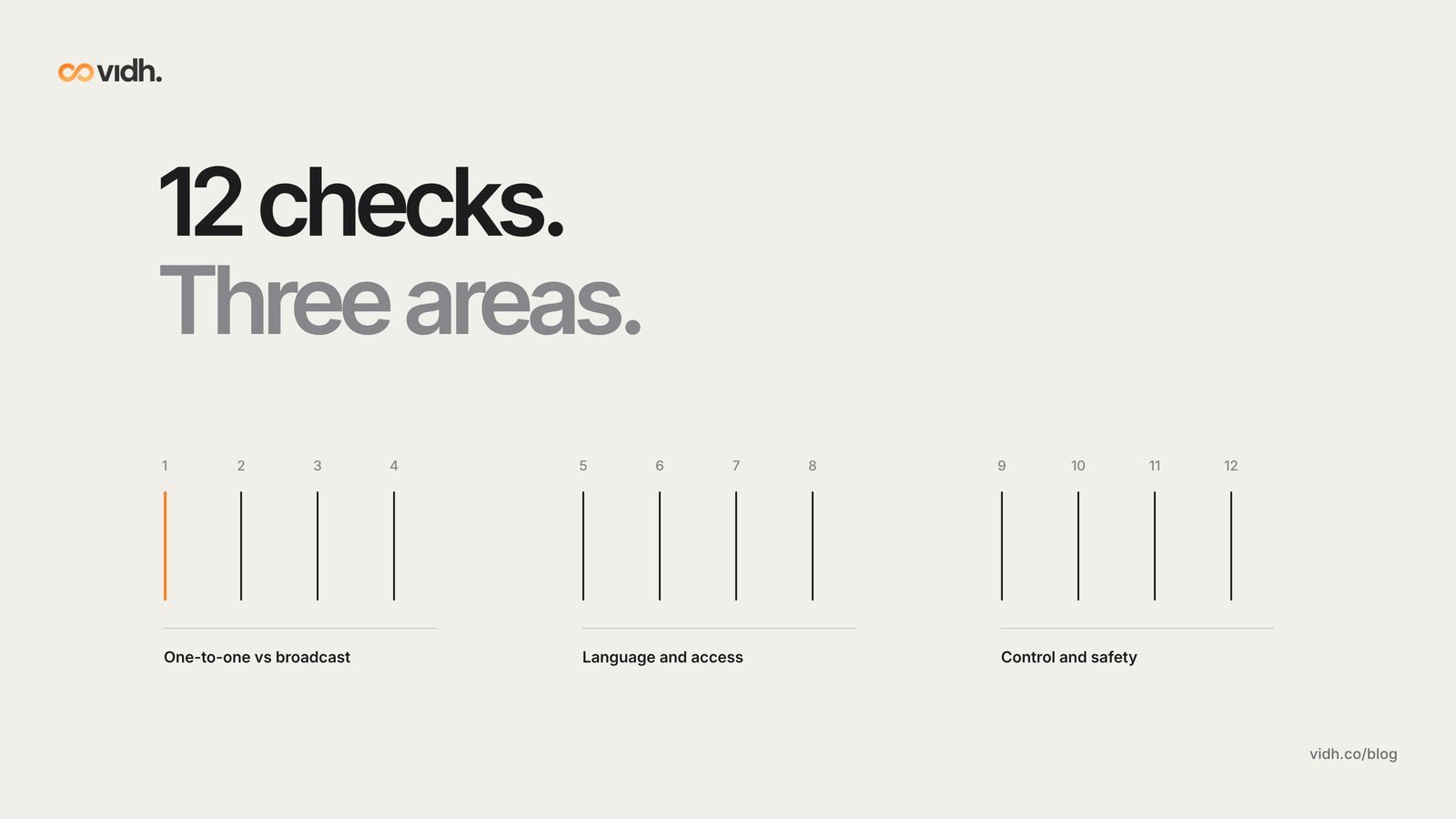
Use these as questions in any demo, including ours. They are grouped into three areas.
One-to-one vs broadcast
1. Are private conversations separate from notices? A parent should be able to message their child's teacher without the class seeing it, and school-wide notices should arrive in their own clearly marked place. Ask the vendor to show both on a parent's phone.
2. Who sees what? Parents should not see each other's phone numbers, names or replies unless the school chooses to allow it. Check what a parent sees when they open a class notice.
3. Can the office see who has received and read a notice? Delivery and read status lets the office follow up only with the families who missed something, instead of re-sending to everyone. Ask whether the status can be exported as a list.
4. Are there quiet hours for teachers? Can the school set hours when teachers are not expected to reply, with an auto-response that tells parents when to expect an answer and where to go if something is urgent? England's Department for Education workload toolkit shares one secondary school's parent policy that says plainly "there is no expectation to respond to queries during their personal time" and aims to reply "within three working days", with urgent matters routed through reception (DfE workload reduction toolkit). The school reported fewer evening and weekend demands on staff.
For context on why reply windows matter: Education Support's Teacher Wellbeing Index 2025 found UK education staff wellbeing at its lowest since the index began in 2019 (Tes), with 76% of all staff reporting stress (Teacher Wellbeing Index 2025). The index does not measure parent messaging and doesn't link stress to it, so treat it as background, not cause. A published reply window is simply one part of a teacher's working week a school can set clearly.
Language and access
5. Can families read messages in their own language? Many parents are more comfortable in a regional or home language than in English. The EEF's attendance guidance lists "inaccessible language and professional jargon" among the barriers good school communication has to plan for (EEF). Ask how translation works, whether teachers can see what the parent received, and who checks important notices such as fee or exam circulars before they go out.
6. Does it work on a basic phone and weak data? Test the app on an older, low-cost phone on a slow connection. Ask what happens for families without a smartphone: is there a text-message fallback for critical notices?
7. Does it handle shared family phones? In India's ASER 2024 rural survey, almost 90% of 14–16-year-olds said there was a smartphone at home, but only 27% of 14-year-olds and 37.8% of 16-year-olds who could use one had their own (ASER 2024). One phone often serves the whole family. Check that one phone can follow two or three children, and that one child can have two or more guardians who both receive messages.
8. Can a parent get started in two minutes? Ask how a parent joins: an invite link or code, a one-time password, or a long form? Fewer steps means more families actually join. Ask what support exists for parents who are not confident with apps.
Control and safety
9. Do staff phone numbers stay private? Teachers should be able to message parents without sharing their personal numbers, and the school should be able to switch off access when a staff member leaves.
10. Does the school keep the history? If a parent complains, or a concern about a child is raised, the school leadership needs to see what was said, and when. Ask who can see message history, how long it is kept and whether the school can export it.
11. Where does the data live, and can you take it with you? Ask where messages and contact details are stored, who can access them, and whether you get a full export in a standard format if you stop using the tool. Put the answers in the contract.
12. Can you see whether it is working? Look for simple reports: how many families have joined per class, how many read last week's notices, and how quickly teachers reply. These are the numbers you will use to decide whether the switch worked.
The 12 checks at a glance
- 1. Private vs notices: One-to-one threads and school notices are clearly separate
- 2. Who sees what: Parents don't see each other's numbers or replies
- 3. Read status: The office can list families who haven't read a notice
- 4. Quiet hours: Set hours, an auto-reply and an urgent route
- 5. Language: Messages in the family's language, checked for key notices
- 6. Basic phones: Works on low-cost phones and slow data, with a text fallback
- 7. Shared phones: One phone for several children; several guardians per child
- 8. Easy join: A parent is set up in about two minutes
- 9. Private staff numbers: Teachers message without sharing personal numbers
- 10. School-held history: Leadership can see and export conversations
- 11. Data and exit: Clear storage, access and full export terms in the contract
- 12. Reports: Join, read and reply-time numbers by class
Which type of tool fits your school?
Most options fall into four types. Comparing types first saves time before you look at any brand.
Group chat app
- Good at: Free, familiar, instant
- Weak at: Privacy, buried notices, teachers' numbers exposed, no school control
- Best for: Informal parent-to-parent groups the school doesn't run
SMS circulars
- Good at: Reaches basic phones; no app needed
- Weak at: One-way, short, costs per message, no replies or read status
- Best for: Critical alerts as a fallback
School communication app
- Good at: Notices plus one-to-one messages, read status, staff privacy
- Weak at: Another app for parents to install; quality of language support varies
- Best for: Schools ready to move official communication off group chat
AI school platform
- Good at: Communication joined to attendance, homework and fees; can help draft, translate or summarise messages
- Weak at: Needs good school data to work well; check what AI does and who reviews it
- Best for: Schools that want communication and records in one place
Tools linked to real school data can do more than a chat group. In a US district study, weekly automated alerts to parents about missed assignments, grades and class absences reduced course failures by 28% and increased class attendance by 12%. The same study found no impact on state test scores, so treat alerts as a way to help parents act early, not a shortcut to exam results (Bergman and Chan, Journal of Human Resources).
Whichever type you choose, the checklist above still applies. An AI feature that drafts replies is no use if parents can see each other's numbers.
In Vidh, parents and teachers get one-to-one replies instead of a 200-member group thread.
How do you move off WhatsApp groups in 30 days?
A sudden switch loses parents. A month-long plan, with the old groups closed only after the new channel is proven, keeps them. Before you start, it helps to run the parent communication audit every school should run so you know which messages go where today.
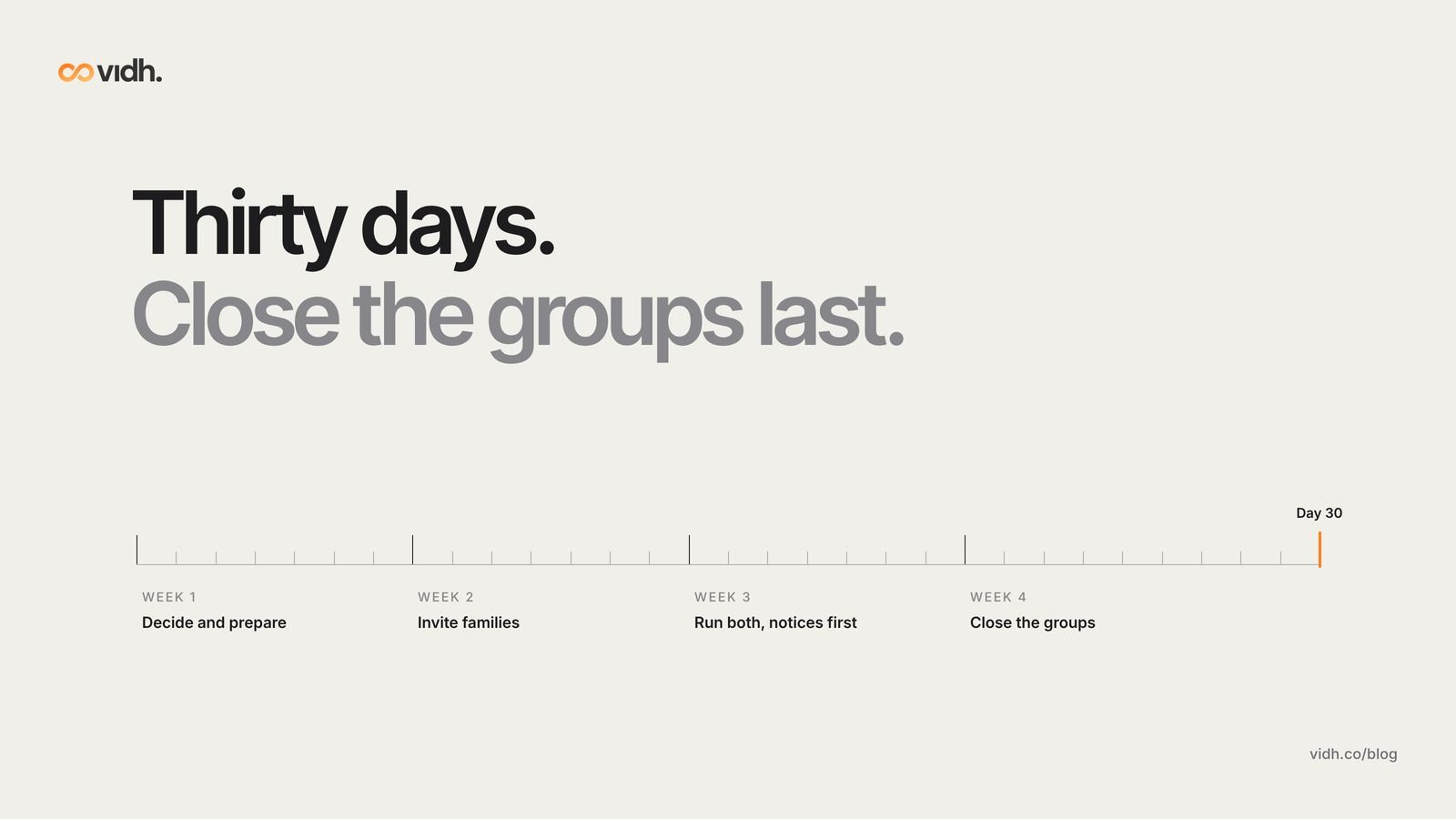
- Week 1. Decide and prepare. Days: 1–7. What to do: Agree which messages are notices and which are one-to-one; set quiet hours and a reply time; choose the tool using the 12 checks; brief class teachers. Done when: Policy written and staff briefed.
- Week 2. Invite families. Days: 8–14. What to do: Send the invite in each class group and by text, in the main home languages; class reps help families who get stuck; teachers keep the group open. Done when: Most families per class have joined.
- Week 3. Run both, notices first. Days: 15–21. What to do: Send every official notice in the new tool first, with only a one-line pointer in the group; call families who haven't joined. Done when: Read status shows most families reading notices.
- Week 4. Close the groups. Days: 22–30. What to do: Announce the closing date; set each group to admins-only, then close it; share the parent policy. Done when: Official groups closed; reply times on track.
Three tips make the switch stick:
- Write the group rules down first. If some groups stay open for parents to talk among themselves, set clear school WhatsApp group rules, and make clear the school no longer posts official notices there.
- Ask parents what they want. The EEF notes that "around half of parents say that they have not been consulted" about how they can be involved (EEF). Our post on what parents really want from a school app has a starting list.
- Call the families you haven't reached. For important messages to less involved parents, the EEF finds that face-to-face conversations, phone calls or texts "are likely to be more effective than generic emails or letters home" (EEF).
If you are reviewing other school systems at the same time, our school management software evaluation checklist for principals covers the wider decision.
FAQ
What is a parent–teacher communication app?
It is a tool that lets a school send notices to families and lets parents and teachers message each other directly. Unlike a group chat, a good one keeps one-to-one conversations private, keeps staff numbers private and gives the school control of the history.
Are free parent–teacher communication apps good enough?
Sometimes, for small schools. Check them against the same 12 points, especially who can see parents' numbers, whether the school can export the history and how your data is used. Free tools often charge for, or leave out, read reports and language support.
How do we stop parents messaging teachers late at night?
Agree a policy first: the hours teachers reply, the reply time parents can expect and the route for urgent matters. Then choose a tool that can show those hours and send an automatic reply outside them. Share the policy with parents at the start of term.
Should we keep class WhatsApp groups at all?
Parents may keep their own groups to talk among themselves. The school's official notices and one-to-one conversations about a child should move to a channel the school controls. Set clear rules for any group the school still runs.
How do we reach parents who don't use smartphones?
Use text messages for critical notices, phone calls for important conversations, and a printed note for anything that must reach every home. Check that your app can send a text fallback, and track who hasn't been reached.
How long does it take to move off WhatsApp groups?
About a month works for most schools: one week to prepare, one to invite families, one to run both channels and one to close the groups. Larger schools can move class by class.
Book a 30-min demo
If you lead a school and want to see how one-to-one parent–teacher messaging could work for your classes, book a 30-min demo. In 30 minutes we talk through pricing, data and migration from your current system, and what happens next, and answer your questions.
About Vidh: Vidh (vidh.co) is an AI platform for schools, built by Vidh Labs in Bengaluru, that keeps one shared record for every child across the school office, the classroom and home.
Sources
- Education Endowment Foundation, "Working with Parents to Support Children's Learning" (guidance report): https://d2tic4wvo1iusb.cloudfront.net/production/eef-guidance-reports/supporting-parents/EEF_Parental_Engagement_Guidance_Report.pdf
- Education Endowment Foundation, Supporting attendance, "Communicate effectively with families": https://educationendowmentfoundation.org.uk/education-evidence/leadership-and-planning/supporting-attendance/communicate-effectively-with-families
- Kraft, M. A. and Rogers, T. (2015), "The underutilized potential of teacher-to-parent communication: Evidence from a field experiment", Economics of Education Review 47, 49–63: https://doi.org/10.1016/j.econedurev.2015.04.001
- Department for Education (England), Improve workload and wellbeing for school staff, workload reduction toolkit, "Parental communications policy" (St Edward's School example): https://improve-workload-and-wellbeing-for-school-staff.education.gov.uk/workload-reduction-toolkit/address-workload-issues/communications/parental-communications-policy/
- ASER Centre, Annual Status of Education Report (Rural) 2024, national findings, digital literacy section: https://asercentre.org/wp-content/uploads/2022/12/ASER-2024-National-findings.pdf
- Bergman, P. and Chan, E. W., "Leveraging Parents through Low-Cost Technology: The Impact of High-Frequency Information on Student Achievement", Journal of Human Resources 56(1): https://jhr.uwpress.org/content/56/1/125 (working paper, J-PAL: https://www.povertyactionlab.org/sites/default/files/research-paper/Leveraging-Parent-through-Low-Cost-Technology_Bergman-Chan_January2019.pdf)
- BBC News, Parents' Toolkit, "Why I left all my child's school WhatsApp groups" (20 Sep 2025): https://www.bbc.com/news/articles/ce9rxed9m5mo
- Education Support, Teacher Wellbeing Index 2025 (UK): https://www.educationsupport.org.uk/media/3qeajx41/teacher-wellbeing-index-2025.pdf
- Tes, "Education staff wellbeing at its lowest since 2019": https://www.tes.com/magazine/news/general/education-staff-wellbeing-lowest-2019
- Vidh homepage, demo section: https://vidh.co
Sources 1–5 and 10 were opened on 27 Oct 2026 (IST); sources 6–9 on 28 Oct 2026 (IST).