Back
Switching School ERP? Read This Before You Renew
5 min read
Thinking of switching school ERP? When to switch, when to wait, what to export before you renew, and how to test a new system without disrupting term.
By Bhagya · Last updated: 27 October 2026
Short answer: You don't have to rip out your ERP mid-year. Keep what works, find the one job it does badly, test a fix on that workflow first, and make any switch decision at the end of the academic year, using your own data. Before any renewal, make sure you can export everything.
Already have a school ERP? Then the real question isn't which system is best. It's whether switching now costs more than it saves.
Renewal emails tend to arrive mid-term, with fees half collected and reports due. That pressure pushes leaders either to sign another multi-year term for a system everyone works around, or to rip it out in a hurry. This guide is for the director, principal or bursar who wants a calm decision, made on their own timetable.
We build school software at Vidh, so we have a stake in this question. That is why the checklist below is vendor-neutral: it works whichever system you choose, including staying where you are.
Key takeaways
- Switching mid-session is rarely the first move. Fee ledgers, opening balances and parent apps are hardest to move mid-term.
- Re-entry is the real cost. A new system must reduce typing, not add to it.
- Test one workflow first. Pilot one workflow, one branch or one grade before you decide.
- Secure your data exit before you renew. Get full exports in standard formats, and put free export and post-cancellation access in the contract.
- Sometimes switching is right. If the current system fails at fees, attendance or parent communication, switch cleanly at the year boundary.
Should you be switching school ERP mid-session?
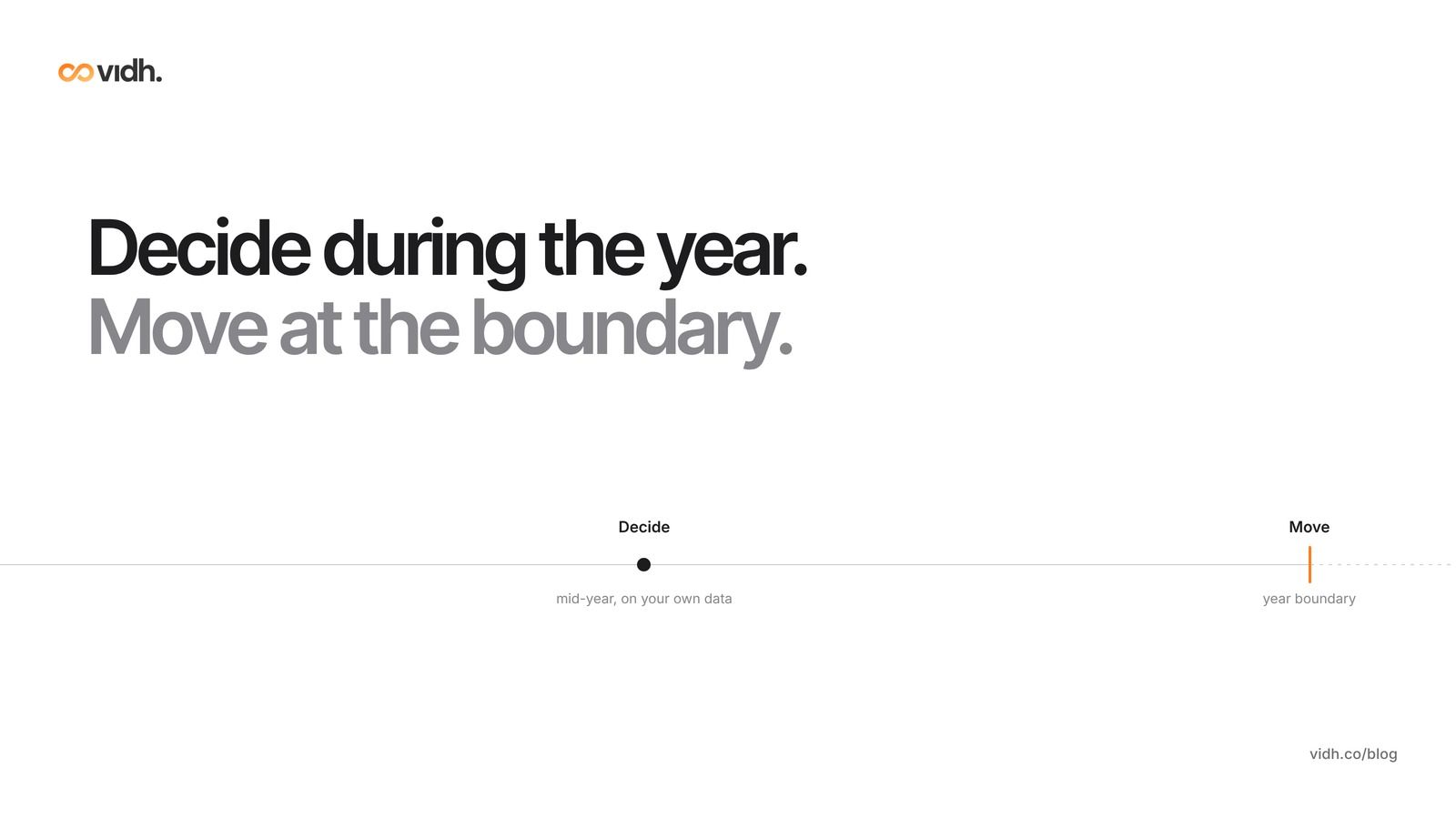
Usually not. Our recommendation: make the decision during the year and the move at the year boundary, unless the current system is failing at something basic.
The real cost of a mid-session switch
The licence fee is the visible cost. The hidden costs land on staff and parents:
- Fee ledgers and opening balances. Part-paid fees, concessions and refunds must arrive exactly right. One wrong opening balance becomes a call from an angry parent.
- Retraining mid-term. Teachers learn new attendance and marks screens while teaching and writing reports.
- Another app for parents, just as they learned where the fee receipt lives.
- Two sources of truth. For weeks, nobody is sure which system holds the right number.
Timing matters almost as much as the choice of system.
The re-entry problem you already live with
Most schools already know the cost of typing the same data twice, because governments ask for it in their own portals. During India's APAAR student-ID drive (reported in late 2024), D. Shashi Kumar of the Associated Managements of Primary and Secondary Schools in Karnataka told the Times of India: "All the details that Apaar seeks are already entered with the Student Achievement Tracking System (SATS). However, the systems aren't synced. So schools have to re-enter all the details." In September 2026 the same association said information entered in SATS "was not always retained", and that "working until midnight" had become a regular concern for staff (Times of India, 5 September 2026). In Telangana, private schools were told in August 2026 to disclose class-wise fees on an official portal, and managements flagged glitches (Deccan Chronicle, 16 August 2026).
Your country will have its own version: a census return, an inspection request, a fee-transparency rule or an exam-board upload. Any new system that adds one more place to type the same student's details makes the problem worse. Ask any vendor to show you, with your own sample data, where each field is typed and how many times.
What does an "intelligence layer" actually mean?
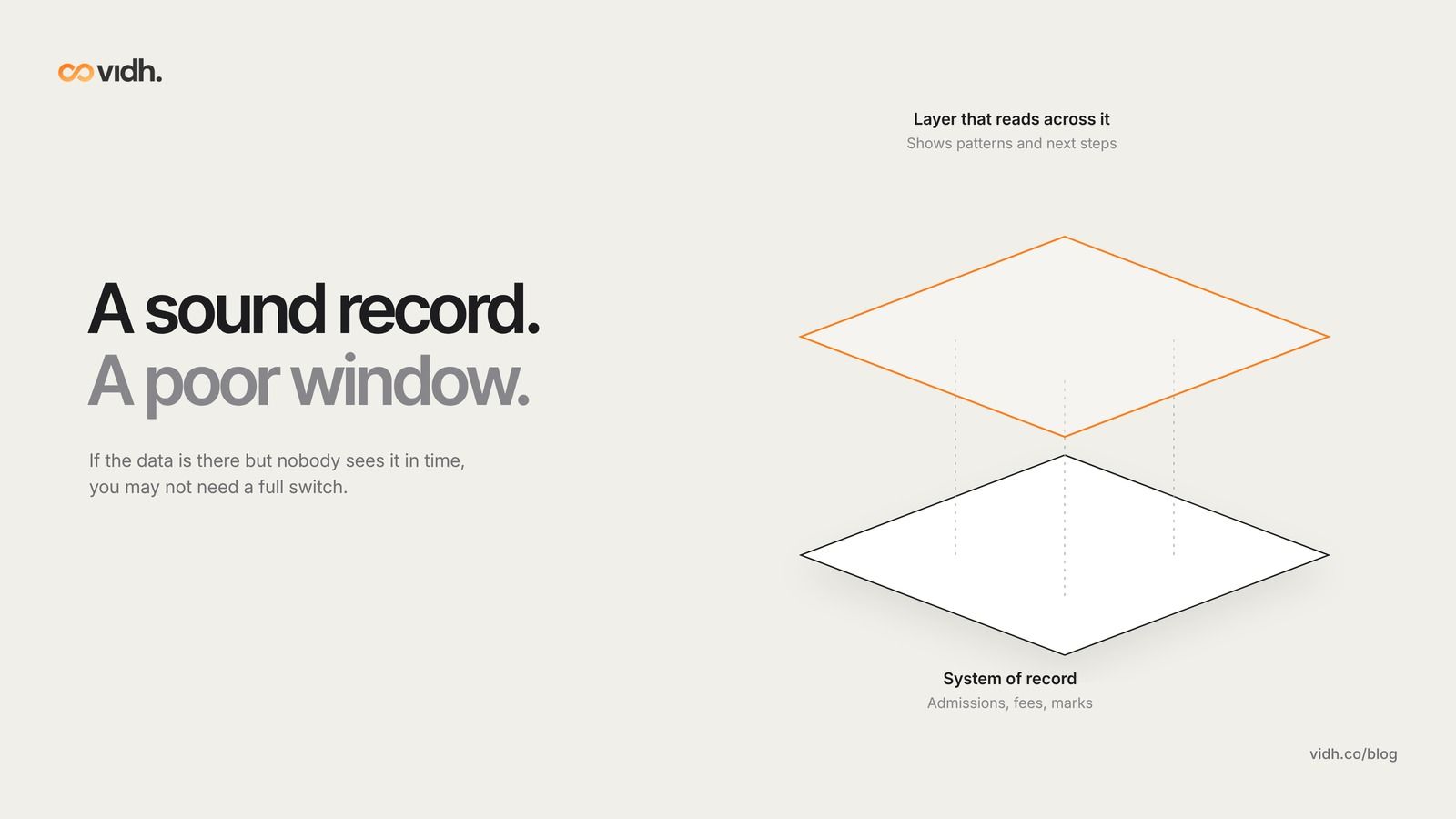
A system of record is the one place where a school's official data lives, such as admissions, fees and marks. An intelligence layer is software that reads that data, across fees, attendance and marks, and shows patterns and next steps without becoming the official record itself.
This matters when deciding whether to switch. Many complaints about a school system are not about storage: the data is there, but nobody sees it in time. A late fee, three absences and a dip in maths marks sit on three screens until the parent-teacher meeting.
System of record vs a layer that reads across systems
What it stores
- System of record: The official data: admissions, fee ledger, attendance, marks, staff
- Layer that reads across systems: Little or nothing of its own; it reads from the record
Who edits it
- System of record: Office staff and teachers, with permissions and audit trails
- Layer that reads across systems: Usually nobody; it shows, flags and suggests
What it shows
- System of record: Screens and reports, one module at a time
- Layer that reads across systems: Patterns across modules: which child, which class, what to do next
If your current system is a sound record but a poor window, you may not need a full switch. If the record itself is wrong (fees that don't reconcile, attendance that disappears), no dashboard will fix it, and switching moves up the list.
What a director should see every week
Every Monday you should be able to see, without asking three people, who owes fees, who keeps missing school, which topics a class is weak on, which homework is late and which buses ran late. If you can't, that may be the "one job it does badly". See 5 things every school should track weekly, and for the bigger argument, why schools need intelligence, not just another ERP.
How can you test a new system without disrupting term?
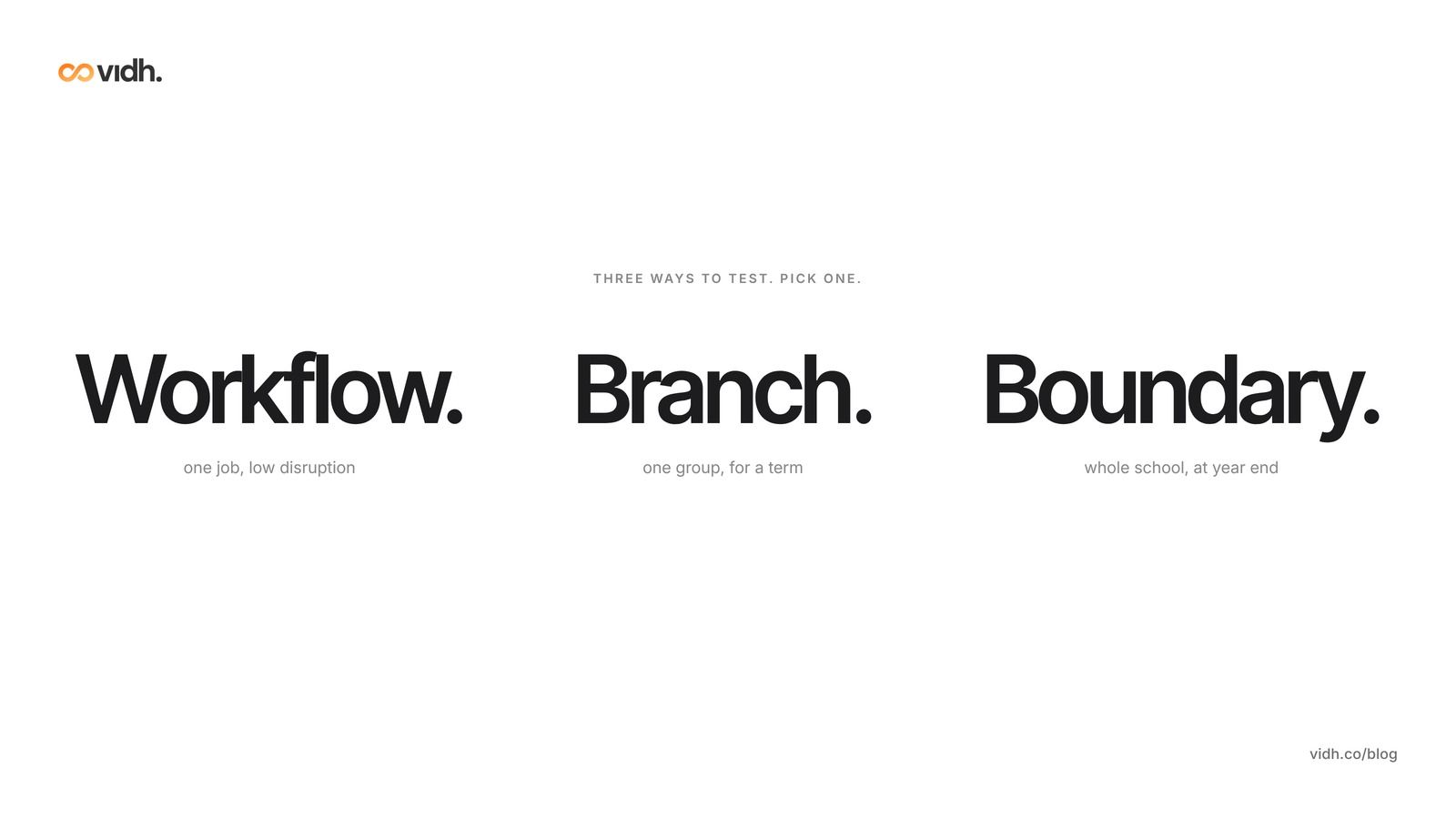
There are three sensible ways to test a change. They are alternatives, not steps.
Option 1: pilot one workflow
Choose the one job your system does worst, such as fee reminders, parent messages or homework follow-up, and test a fix on that alone. Agree in advance what "better" means: fewer missed payments, fewer "I didn't know" messages, less re-typing.
Option 2: start with one branch or one grade
If you run several campuses or clear sections, try the new approach in one branch or grade for a term. You learn about training, parent adoption and data quality at small scale, and a mistake affects one group, not the whole school.
Option 3: switch fully at the academic-year boundary
If you have already decided to move, do it when the year turns over: after results are final and, ideally, after the term's fee collection has closed. Work backwards from your own start date and leave time for data checks and staff training before day one.
Pilot one workflow
- Data you need: Only the data for that workflow, such as fee heads and parent contacts
- People involved: One owner plus the staff who run that workflow
- Time and disruption: Low; the rest of the school is unaffected
One branch or grade
- Data you need: Full records for that branch or grade
- People involved: Branch head, its teachers and office staff, and its parents
- Time and disruption: Medium; contained to one group
Full switch at the year boundary
- Data you need: Everything: students, guardians, fee ledger with opening balances, attendance, marks, documents
- People involved: Everyone, with a named migration lead
- Time and disruption: High, but planned and outside term pressure
Before you start, write down what you are testing, how you will measure it and the date you will decide.
What should be on your data-exit checklist before any renewal?
Most schools skip this, and it is the cheapest insurance you will buy. Do it before you renew, not when you are leaving.
Ask for full exports
Ask your current supplier for a test export now, while the relationship is friendly, in a standard format such as CSV or Excel:
- students and guardians, with contact details and admission data;
- the fee ledger by fee head, with opening balances, concessions, receipts and refunds;
- attendance history;
- marks, grades and report cards;
- uploaded documents, such as certificates and medical forms.
Open the files. Check ten children against the screen and make sure fee totals reconcile. An export you have never opened is not an exit plan.
Check the contract clauses
Government guidance offers a useful benchmark wherever you are. In England, the Department for Education's recommended principles for school management information system (MIS) contracts say that school data belongs to the school, that it should be available to the school at any time "including during any exit period, for no additional cost", in "a commonly available, migration-ready, machine-readable format", and that the contract should set out a timeframe and responsibilities for migration on entry and exit (DfE, Core Principles for school MIS procurement). They also limit automatic renewal to one extra term of up to 12 months. The DfE's edtech guidance adds that schools should agree how data will be returned and securely deleted at contract end, with confirmation of deletion (GOV.UK). In the United States, the Department of Education's model terms of service guidance calls it best practice for providers to return or destroy student data when it is no longer needed (Protecting Student Privacy).
Look for, or add, four clauses before you renew:
- Ownership. All school data remains the school's.
- Free export. Full exports at any time, and during exit, at no extra cost, in a machine-readable format.
- Post-cancellation access. A defined period after the contract ends during which you can still log in and export.
- Deletion. Secure deletion after exit, including backups, with written confirmation.
Also check the notice period and auto-renewal terms before the window closes.
Who decides how student data is used?
Usually the school. In the UK, schools are normally the data controller and suppliers are usually processors (GOV.UK). India's Digital Personal Data Protection Act, 2023 defines a "Data Fiduciary" as the person who "determines the purpose and means of processing of personal data" (DPDP Act, 2023), typically the school. Ask your legal adviser to read the contract before you sign; this guide is not legal advice.
Which questions should you ask any vendor, including us?
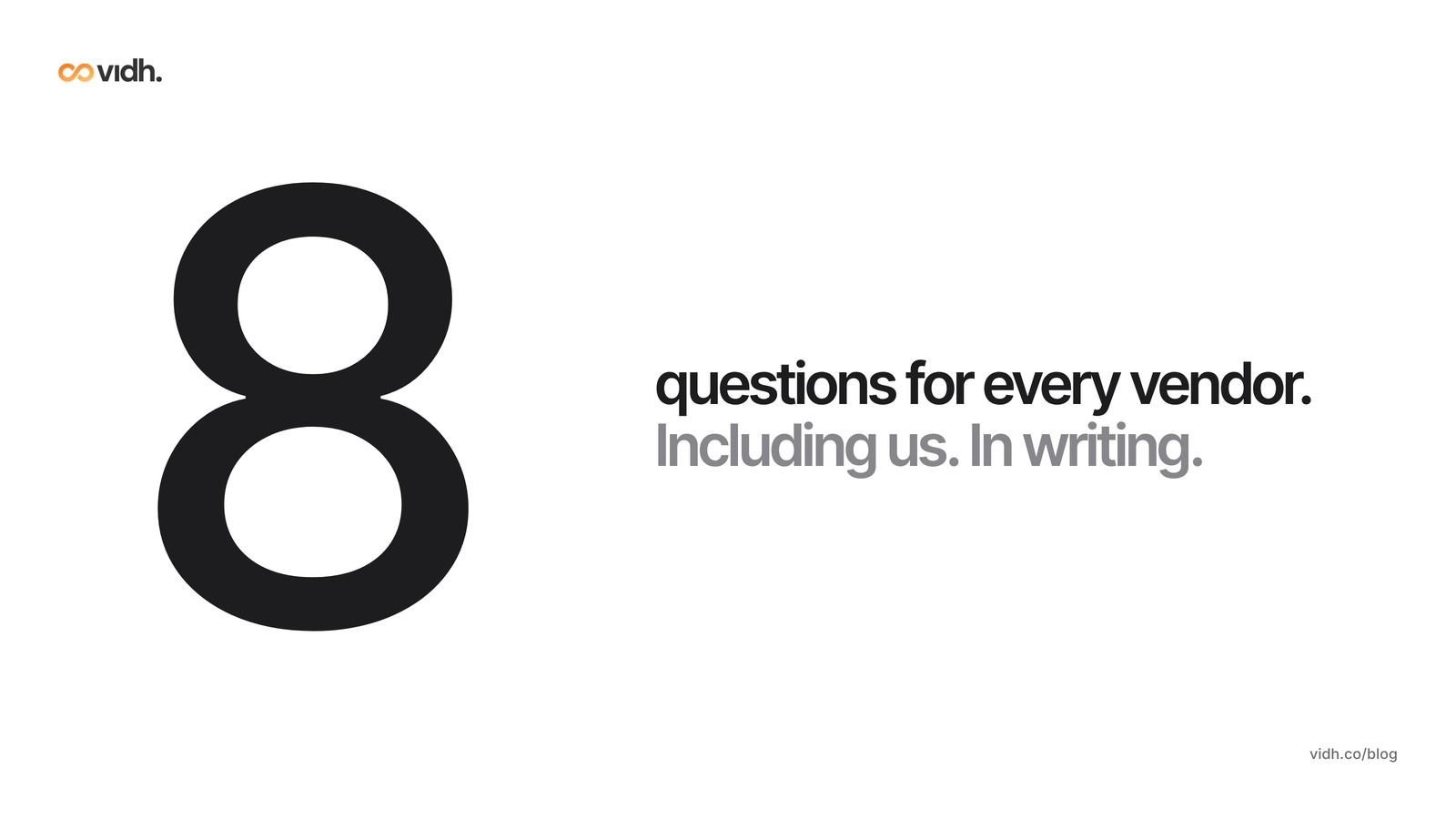
Ask your current supplier and any new one the same eight questions, and ask for answers in writing.
- Import: Which formats can you import, and can we see our own sample data loaded before we sign?
- Running in parallel: If we pilot one workflow or branch, which system is the official record during the pilot?
- Data cleaning: Who cleans and maps our data (duplicates, fee heads, class names), and is that included in the price?
- Timeline: What is a realistic, written timeline for a school our size, based on a sample of our data?
- Exit: Can we export everything, free, in standard formats, including after cancellation?
- Hosting: Where is our data hosted, and who are your sub-processors?
- Data processing agreement: Will you sign one that names the school as the party that decides how data is used?
- Parents: What, if anything, do parents need to install, and what happens to their current app?
For a broader list, see the school management software evaluation checklist for principals. For what tends to go wrong after go-live, read why most school ERPs fail after implementation.
When is switching school ERP the right call?
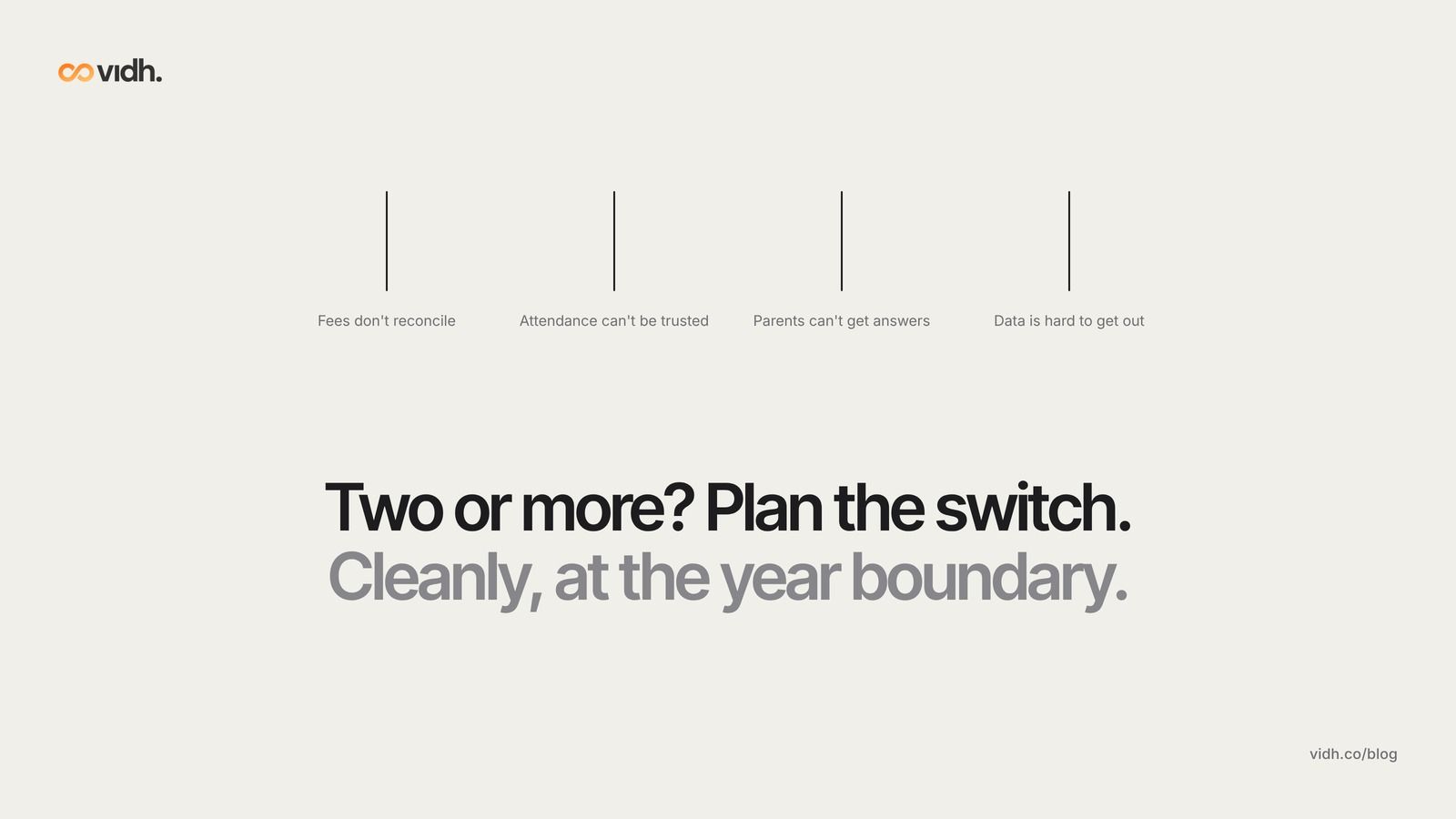
Sometimes staying is the expensive option. Switch, cleanly and at the year boundary, if any of these are true:
- Fees don't reconcile. The ledger disagrees with the bank, and the office keeps a spreadsheet "just to be sure".
- Attendance can't be trusted. It is late, lost or invisible to the people who need it.
- Parents can't get answers. Receipts, homework and notices are spread across several apps and groups.
- Your data is hard to get out. The supplier can't, or won't, give you a clean export.
If two or more apply, a planned switch is likely to cost less than another year of workarounds. For what clean, connected data from day one looks like, see how newer schools are winning the ERP race.
FAQ
Should we switch school ERP mid-session?
Usually not. We recommend deciding during the year and moving at the academic-year boundary, unless the current system is failing at fees, attendance or parent communication.
When is the best time to switch school ERP?
We recommend the academic-year boundary, after results are final and ideally after the term's fee collection has closed. Work backwards from your start date and leave time for data checks and training.
What data should we export before switching ERP?
Students and guardians, the fee ledger by fee head with opening balances, attendance, marks and report cards, and documents, in CSV or Excel. Check a sample against the screen before you sign anything.
Can two school systems run together?
They can, if one is clearly the official record and the other only reads from it or handles one workflow. Agree in writing which system is the record for each type of data, and avoid typing the same details into both.
Can we add AI to our existing school ERP?
In general, yes. Some tools read exports and others connect through an API. Ask what data the tool needs, where it is stored, whether it is used to train AI models, and whether you can switch features off.
Who owns our school data?
The school should. In many legal frameworks the school decides how student data is used and suppliers process it on its behalf. Put ownership, free export and deletion on exit into the contract.
How long does a school ERP migration take?
It depends on data quality (duplicates, missing guardians, inconsistent class names), the number of fee heads and branches, how much history you bring across and whether you move mid-year. Ask each vendor for a written timeline based on a sample of your own data.
Book a 30-min demo
If you lead a school and want to see what one shared record across office, classroom and home looks like, book a 30-min demo. In 30 minutes we talk through pricing, data and migration from your current system, and what happens next, and answer your questions.
About Vidh: Vidh (vidh.co) is an AI platform for schools, built by Vidh Labs in Bengaluru, that keeps one shared record for every child across the school office, the classroom and home.
Sources
- Times of India, "Bengaluru schools struggle with Apaar registration overload" (APAAR drive, late 2024; no date shown on page): https://timesofindia.indiatimes.com/city/bengaluru/bengaluru-schools-struggle-with-apaar-registration-overload/articleshow/116147913.cms
- Times of India, Karnataka private schools on SATS issues, 5 Sep 2026: https://timesofindia.indiatimes.com/city/bengaluru/resolve-achievement-tracking-system-issues-karnataka-private-schools/articleshow/133775788.cms
- Deccan Chronicle, "Telangana Orders Private Schools to Disclose Fees; Managements Flag Portal Glitches, Parents Demand Cap", 16 Aug 2026: https://www.deccanchronicle.com/southern-states/telangana/telangana-orders-private-schools-to-disclose-fees-managements-flag-portal-glitches-parents-demand-cap-1979663
- Department for Education (England), Get help buying for schools, "Core Principles for school MIS procurement": https://get-help-buying-for-schools.education.gov.uk/mis-core-principles
- GOV.UK, "Data protection in schools: Procuring educational technology (EdTech)": https://www.gov.uk/guidance/data-protection-in-schools/procuring-educational-technology-edtech
- US Department of Education, Protecting Student Privacy, "Protecting Student Privacy While Using Online Educational Services: Model Terms of Service" (2016): https://studentprivacy.ed.gov/resources/protecting-student-privacy-while-using-online-educational-services-model-terms-service
- Government of India (MeitY), Digital Personal Data Protection Act, 2023: https://www.meity.gov.in/static/uploads/2024/06/2bf1f0e9f04e6fb4f8fef35e82c42aa5.pdf
- Vidh homepage, demo section: https://vidh.co
All sources were opened on 27 Oct 2026 (IST).